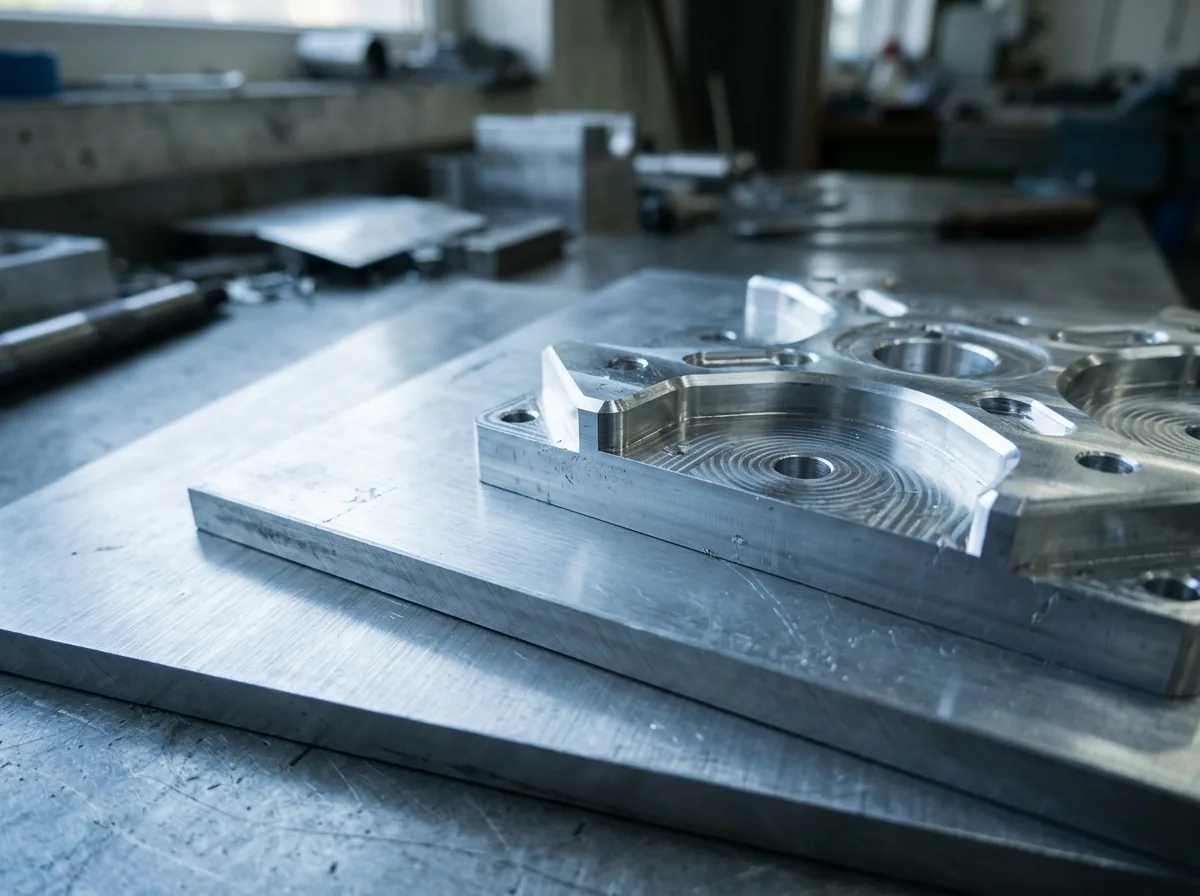
 This image was created with artificial intelligence – marked under Art. 50 of the AI Act, Regulation (EU) 2024/1689. It is a placeholder until the company's photos arrive.
The most common errors in dimension specifications – and how to avoid them
The most common errors in dimensions for aluminium sheets: transposed digits, wrong reference edges and missing tolerances.
Quick overview: The most common errors arise from unclear internal and external dimensions, wrong units and missing tolerance specifications. Before every order, check:
- Whether the dimensions are clearly defined (internal/external dimension).
- Whether all units have been given in millimetres.
- Whether tolerances and machining allowances have been taken into account.
With these three simple checks you avoid most dimensional errors in aluminium cut to size.
Precise dimensions are the foundation for accurately fitting aluminium cuts and high-quality end products. Even deviations in the tenth-of-a-millimetre range can impair function or fit – particularly in industrial applications where sheets are milled, drilled or integrated into assemblies.
Incorrect specifications cause not only unnecessary costs but also loss of time, rework and production stoppages. It is therefore essential to check all dimensions systematically and with technical understanding before the order is placed.
Internal dimension, external dimension or finished dimension
| Term | Description | Example |
|---|---|---|
| Internal dimension | Clear dimension or inner width of an opening | Frame cut-out: 100 × 100 mm → sheet must be smaller |
| External dimension | Overall extent of a component or frame | Outer frame 120 × 120 mm |
| Finished dimension | Final dimension after machining or coating | Sheet after grinding/milling 98 × 98 mm |
| – where errors begin |
One of the most common causes of incorrect orders is the confusion of internal dimension, external dimension and finished dimension. Misunderstandings often arise, particularly in constructions with cut-outs or insert elements.
Internal dimension describes the clear width or inner distance of an opening – for example in frames or recesses. External dimension denotes the overall extent of the component – important for surrounds or supports. Finished dimension is the final dimension after machining, including any milling, grinding or polishing.
A classic example: an aluminium cover is to be inserted into an existing opening. If the dimension of the recess is given without deduction for the fit, the sheet will not fit later. Therefore the rule is: Always check whether a dimension is understood with or without tolerance and whether it refers to the internal or external dimension.
Misunderstandings through unclear communication
Many dimensional errors arise from imprecise communication between design, production and purchasing. Terms or drawings are often interpreted differently when there is no uniform documentation practice. A design plan may, for example, contain a dimensional change that is not carried over into the order – or a machinist misreads an incomplete sketch.
Clear labelling in drawings, supplemented by reference points, dimension arrows, tolerance fields and comments, considerably reduces these risks. Clear versioning is equally important: every change should be dated and documented in a traceable manner. This avoids misunderstandings between different departments or external partners.
Taking material thickness into account correctly
Material thickness is often underestimated – yet it is a central parameter for stability, weight and fit. Sheets that are too thin risk deformation or vibration; sheets that are too thick may mean that holes or screw connections can no longer be fitted. Errors often arise from wrong conversions between inches and millimetres, from ignoring coatings or anodised layers, or from underestimating tolerances in rolled material.
Particularly in online cut-to-size ordering, it is important to check the nominal thickness of the aluminium sheet in the material data sheet. Materials such as EN AW-5083 or EN AW-5754 have thickness tolerances inherent in production that must be taken into account. Anyone needing particularly exact sheets should choose plan-parallel or fine-milled material.
Typical dimensional errors in online cut-to-size ordering
A practical example: a customer orders an aluminium sheet for a device housing measuring 300 × 200 mm, but accidentally enters centimetres instead of millimetres in the online configurator. The system processes the input correctly – but supplies a sheet measuring 3 × 2 mm. Such errors happen quickly when units are not checked. Another example: if the dimensions of a sheet with a cut-out are swapped (length/width), the cut piece will not fit into the intended opening later. These cases show how important a plausibility check is before completing the order.
Digital configurators offer convenience – but they presuppose correct input. Common errors are wrong units (centimetres instead of millimetres), swapped dimensions (length and width), incorrect decimal separators or failure to observe the sheet orientation. A further misconception concerns the direction of the grain or rolling direction of the material. If holes or cut-outs lie on load-bearing edges, this can influence strength.
Good online configurators therefore offer the option of specifying the orientation of the sheet or activating a preview with dimension references. Some systems additionally offer automatic warning messages for illogical dimensions or plausibility errors – these functions should definitely be used in order to avoid incorrect orders.
Plausibility check – a simple but often overlooked step
A manual plausibility check often saves more time than it costs. It involves checking whether the dimensions match one another and make technical sense. Important check points:
- Do length, width and thickness match the planned application?
- Is the sheet stable enough for the intended load?
- Do the dimensions in the order match the technical drawing?
- Have any machining allowances been taken into account?
- For CNC-milled parts, is a larger blank dimension needed in order to achieve the desired finished dimension after milling?
Using the online configurator correctly
Digital ordering tools are precise when operated correctly. It is important to enter all dimensions in millimetres, to set position specifications correctly and to check the material selection for possible deviations. For complex shapes, technical drawings should always be attached. If the X and Y axes are swapped in the online configurator, mirror-inverted parts are produced.
Therefore, when transferring data, the coordinate system, origin point and dimension direction should be specified. Modern systems now offer extended preview functions with which the planned cuts can be checked visually. Some suppliers additionally provide simulation tools that check fits and holes in advance. Anyone who uses these functions consistently minimises sources of error and saves costs.
Dimensions in production – meaning of the tolerance classes
| Tolerance class | Description | Example deviation at 200 mm | Application |
|---|---|---|---|
| f (fine) | For precision parts, tight dimensional requirements | ±0.2 mm | CNC-milled parts, functional surfaces |
| m (medium) | Standard for most cuts | ±0.5 mm | General metal and machine components |
| c (coarse) | For non-critical parts, larger tolerances permitted | ±1 mm | Covers, non-load-bearing elements |
| v (very coarse) | For rough cuts or blanks | ±2 mm | Heavy-gauge sheets, stock material |
In aluminium cuts, tolerance classes according to DIN ISO 2768 play a central role. They specify how far an actual dimension may deviate from the nominal dimension. Various classes are distinguished:
- Class m (medium): Standard for most cuts, permits moderate deviations.
- Class f (fine): For precision parts and functional surfaces with tighter dimensional requirements.
- Class c (coarse): For non-critical parts where larger deviations are tolerable.
Example: for a dimension of 200 mm, class "m" permits a deviation of ±0.5 mm – class "f" only ±0.2 mm.
Practical tip: agree dimensions within the team
In many companies, design changes are made at the last minute – but the updated dimensions are not carried over into the order. This often leads to misunderstandings and errors. Every drawing should therefore be provided with the date, version number and initials of the person responsible. Communication between design, purchasing and production should be clearly defined and every change documented.
A central approval process is particularly helpful: only once all departments involved (design, quality, purchasing) have given their approval is the data record released for production. This ensures that only the current version reaches production. In addition, digital tools such as version management or approval records can help to keep an overview and minimise human error.
Sustainability and reuse
Precise dimensions are also of great importance from an ecological and economic point of view. Every incorrect order means not only additional costs but also avoidable environmental impact. Inaccurate dimensions lead to offcuts, additional transport routes and increased energy consumption in the reworking of aluminium.
Modern online cut-to-size companies therefore increasingly rely on resource-saving production: they plan material usage digitally, store offcuts systematically and use automated cutting optimisations to minimise waste. Customers benefit from this practice, as costs fall and offcuts are often available as discounted offers. Careful dimensional planning is thus a contribution not only to quality but also to the sustainability of aluminium sheets across the entire value chain.
Precision begins with the specification
Error-free dimensions are not a minor matter but the basis of every successful production run. They determine whether a component fits exactly or has to be reworked. Clear definitions, unambiguous reference points and a final plausibility check prevent misunderstandings and complaints.
Anyone who also carefully checks drawings, tolerance classes and material data sheets creates the basis for technically perfect aluminium cuts. Precision does not begin in production but with the order – it is the key to quality, efficiency and long-term customer satisfaction.
Save time and costs: check your dimensions carefully or configure your aluminium cut to size online with clearly defined fixed dimensions and tolerances.
FAQ
Who is liable for incorrect dimensions? In principle, responsibility for correct dimensions lies with the customer. The manufacturer produces according to the values and drawings submitted. In cases of doubt, a prior consultation should take place in order to avoid later complaints.
How can the manufacturer check dimensions? Online suppliers generally do not carry out a manual dimensional check but produce directly according to the data submitted. Only in the case of conspicuous or illogical specifications can a plausibility check take place, provided this is envisaged in the ordering process.
How do I recognise whether my dimensions are correct? Check whether all dimensions match one another logically and whether the internal or external dimension is clearly defined. A simple sketch or CAD file helps to avoid misunderstandings.
How do I deal with dimensional tolerances? For most aluminium sheets, a production tolerance of ±0.5 mm to ±1 mm applies. For precision cuts or CNC-milled components, tolerances should be stated explicitly in the order form.
What role does the rolling direction of the material play? The rolling direction influences the strength and deformation properties of the sheet. For load-bearing constructions or visually visible surfaces, it should be specified in the drawing.
What happens if dimensions are swapped? The cut piece may be produced with the correct dimensions but delivered in the wrong orientation. Therefore pay attention to the order of the dimensions (width × length) and the material orientation.
Which units should I use for aluminium cuts? Millimetres are standard. Specifications in centimetres, inches or mixed forms frequently lead to errors and should be avoided.
How can I avoid dimensional errors with special shapes? Always upload a technical drawing for online cut-to-size orders. Make sure that reference points, hole centres and dimension chains are clearly defined.
Are there aids for checking dimensions before ordering? Many online configurators offer preview functions or dimensional checks. In addition, you can simulate your entries with CAD programs in order to check plausibility and fit.