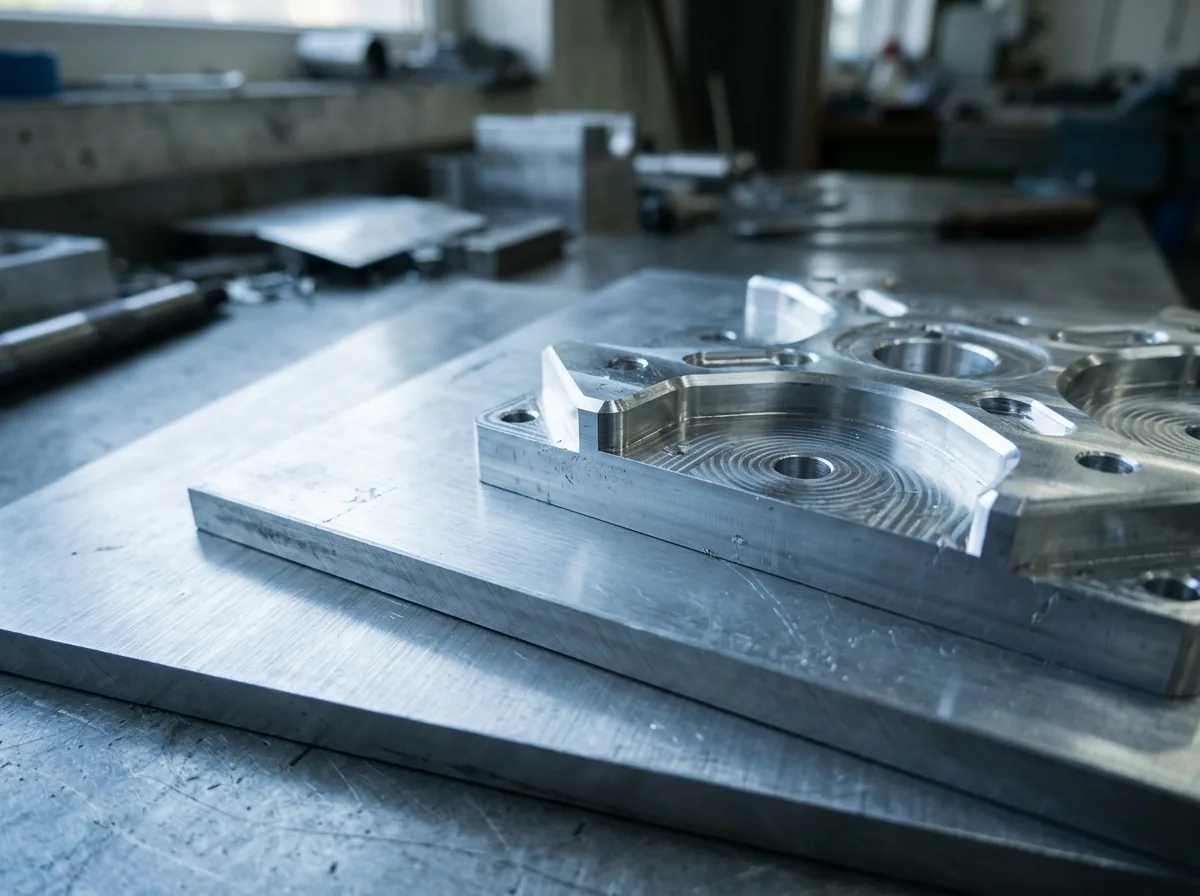
 This image was created with artificial intelligence – marked under Art. 50 of the AI Act, Regulation (EU) 2024/1689. It is a placeholder until the company's photos arrive.
Common mistakes when specifying dimensions – and how to avoid them
Dimensions swapped, reference edge unclear or wrong unit? Find out how to reliably avoid typical errors in dimensions for cut pieces.
When ordering cut-to-size sheets, misunderstandings about dimensions keep occurring. This not only leads to unnecessary queries, but in the worst case to incorrect production. Anyone who knows these typical mistakes can easily avoid them.
Order of dimensions: length x width x thickness
One of the most common mistakes is confusing length and width. Particularly with rectangular sheets or with parts that must be installed in a specific orientation, this can lead to serious problems.
Basic rule: Dimensions are always given in the order: length x width x material thickness (gauge) – in millimetres.
Example: A sheet with 600 mm length, 400 mm width and 3 mm thickness is given as 600 x 400 x 3 mm.
Reference point of the dimensions: outside dimension or inside dimension?
Another misunderstanding concerns the reference point of the dimensions. Is the desired dimension understood as an outside dimension or an inside dimension?
- Outside dimension: The edge of the sheet is the final dimension.
- Inside dimension: The sheet is to fit into a specific opening – here clearance must be deducted.
Tip: If in doubt, always state whether your figures are outside dimension or inside dimension.
Confusion of cm and mm
Particularly with handwritten or telephone orders, it happens quickly: 50 mm becomes 50 cm – that is a 450 mm difference. A wrong unit can make an entire order unusable.
Note: For industrial cut pieces, millimetres (mm) are the standard.
Imprecise or missing details for the drilling pattern
If sheets with holes are ordered, the drilling pattern must be clearly defined:
- Where is the first hole located?
- Is the distance measured from the sheet edge or from the hole centre?
- In what grid do the further holes follow?
- What diameter do the holes have?
Tip: A simple, to-scale sketch clarifies more than many words.
Tolerances not taken into account
Precision is important – but no cut is 100% exact. In manufacturing terms there are always tolerances, which vary depending on material and process.
Typical tolerances for sheet cutting:
- ± 1 mm for standard cuts
- ± 0.5 mm for laser cutting or CNC
Tip: If fit accuracy matters, state tolerance ranges or limit dimensions explicitly.
No note on the surface or protective film
Especially with anodised, painted or film-coated aluminium sheets, it is important to define the top face correctly. Mistakes arise when:
- holes or engravings are made on the wrong side
- the protective film is not taken into account
Tip: Mark the visible face in your drawing or state on which side holes are to be made.
Conclusion: error-free to the perfect sheet
Clean dimensioning is the prerequisite for a precisely fitting cut. With clear details on dimension order, reference faces, tolerances and surfaces, you can avoid queries and save hard cash.
FAQ
What is the correct order for dimensions? Always: length x width x thickness, in millimetres.
How can I ensure that my inside dimension fits? Depending on the type of installation, deduct 2–5 mm tolerance and clearly note "inside dimension".
How do I specify a drilling pattern correctly? With a dimensioned sketch showing positions, distances and hole diameters.
What should I do for special tolerance requirements? State a tolerance class or a limit dimension (e.g. +0 / -0.5 mm).
Is the protective film taken into account during cutting? Only if you state this explicitly (e.g. "film remains on top").